Live Online Training + Placement Support
THE FUTURE OF DATA CAREER

Become a Job-Ready Data Analyst with AI Skills in 4 months

Learn Data Analytics, GenAI tools, Python, SQL, Power BI and real-world projects from industry experts.

  • Highest Package Upto 30 LPA
  • 100% Placement Assistance With 300+ Partner Companies
  • No Coding Knowledge Required To Start

Book Your Free MasterClass

Fill the form. Our career counsellor will contact you shortly.

    Placement Network

    Unlock placement opportunities with 300+ companies

    Learn career-ready Data Analytics, ML & AI skills with placement assistance support.

    Shadowfax Shadowfax
    Deloitte Deloitte
    Axis Bank Axis Bank
    Citibank Citibank
    Zomato Zomato
    Mamaearth Mamaearth
    Flipkart Flipkart
    EXL EXL
    IZS IZS
    TCS TCS
    Infosys Infosys
    Wipro Wipro
    Cognizant Cognizant
    Accenture Accenture
    IBM IBM
    Capgemini Capgemini
    Amazon Amazon
    Google Google
    Microsoft Microsoft
    HCLTech HCLTech
    Trial Class

    What you’ll learn?

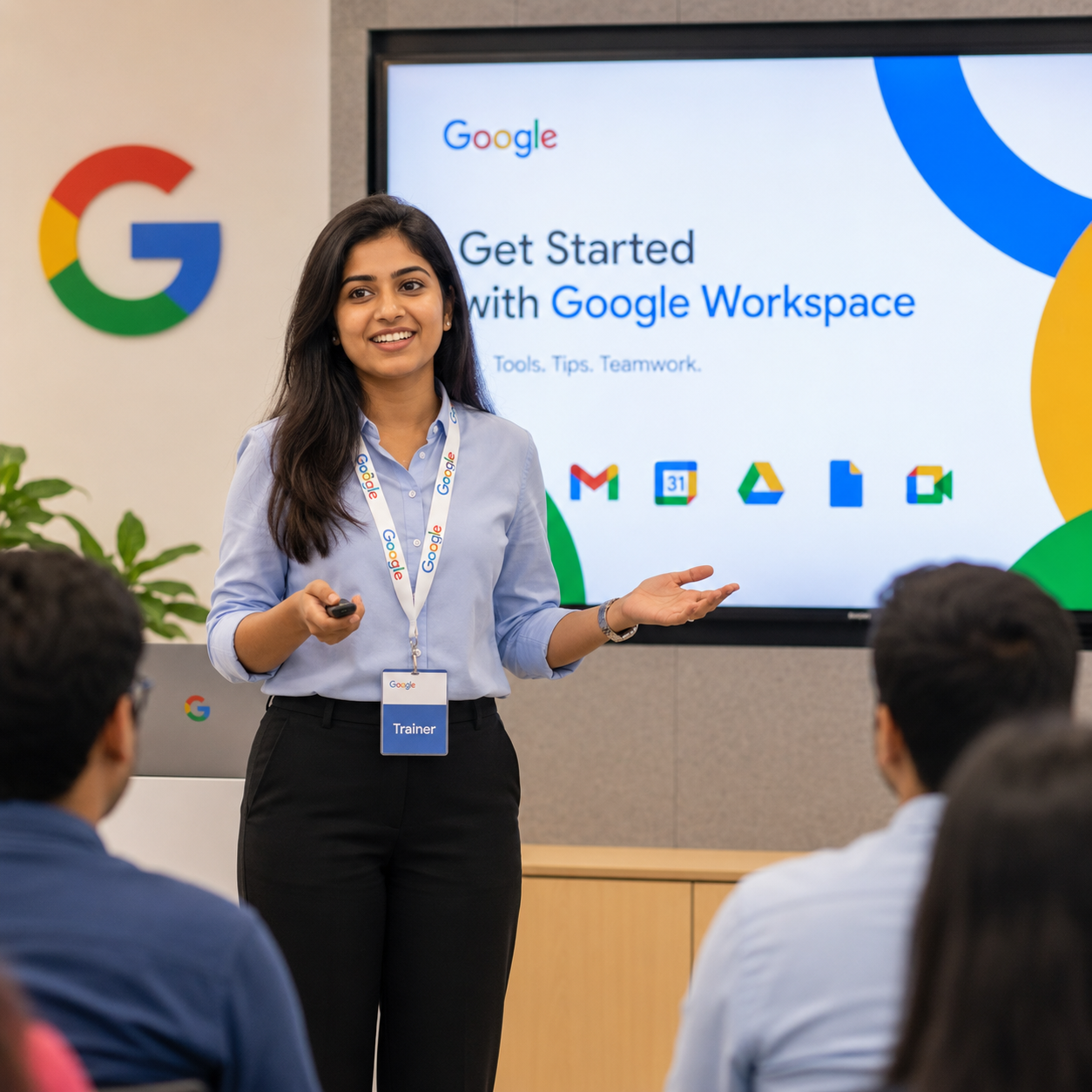
    Experience a powerful live session designed to help you understand the career scope, learning path, and real-world use of Data Analytics & AI.

    Case Study Discussion with Mentors

    Maximize learning with engaging discussions and practical problem-solving using Data Analytics & AI, led by industry mentors.

    Data Analytics Career Scope with Gen AI

    Data Analytics with Generative AI offers strong career growth by combining data skills with AI-powered automation and business insights.

    Live Q&A with Industry Experts

    Interact directly with experts, clear your doubts, and gain real-time insights about tools, projects and placements.

    Hurry up! Grab your FREE Trial Class
    Register NOW!
    CAREER TRACK

    Upskill in Data Analytics & AI

    CAREER TRACK

    Data Analytics with Gen AI

    Packages upto

    30 LPA

    Average Hike

    60%

    4 months Program
    2 Hrs/Day Effort
    50+ Industry Projects
    Skills you’ll master

    Artificial Intelligence

    Statistics

    SQL

    Problem Solving

    Python

    Excel

    Power BI

    Gen AI

    Why to join?

    World class curriculum curated by experts, as per industry trends

    Resume building & mock interviews to make you industry ready

    Portfolio expansion via industry-relevant projects & business case studies

    Premium membership of lifetime alumni support

    ARE YOU THE RIGHT FIT?

    Who should take this course?

    LeoSkill’s Data Analytics with AI program is designed for learners, professionals, and career switchers who want to build future-ready skills.

    Working Professionals

    • Banking Professionals
    • Finance & Accounting
    • Sales & Marketing Executives
    • HR & Operations Professionals
    • Healthcare Professionals
    • Customer Support Executives

    Career Switchers

    • Career Transitioners
    • Non-IT Professionals
    • Professionals Restarting Careers
    • Domain Experts Moving to Tech

    Students & Freshers

    • Engineering Students
    • College Graduates
    • Job Seekers
    • MBA Aspirants
    • BCA / MCA / BSc / MSc Students
    • Commerce & Management Students
    • Internship & Placement Seekers

    Entrepreneurs & Self-Learners

    • Business Owners & Entrepreneurs
    • Teachers & Trainers
    • Self-Learners
    • Tech Enthusiasts

    Free Trial Class

    Limited seats available. Register now and start your Data Science journey.

    Grab Your FREE Spot
    Syllabus

    Data Analytics with GenAI Course Structure

    Learn Python, SQL, Power BI, Excel, Git and Generative AI with a practical week-by-week learning roadmap.

    What you’ll learn in this program?

    Module 1

    Python for Data Analysis

    5 Weeks
    Week 1 · Programming Foundations
    • Programming concepts and builder mindset
    • Variables, input/output and print statements
    • Memory management and garbage collection
    Week 2 · Data Structures & Control Flow
    • Data types: int, float, complex, bool
    • String methods, formatting and operators
    • List, set, tuple and dictionary methods
    • Control flow, loops and functions
    Week 3 · OOP & Advanced Python
    • Class, object, methods and members
    • Encapsulation, polymorphism, inheritance and abstraction
    • Error handling, file handling and os module
    • Requests, JSON, datetime, regex and SQL connectivity
    • Decorators, generators, comprehensions and iterators
    Week 4 · NumPy, Pandas & Flask Basics
    • NumPy arrays, operations, broadcasting and reshaping
    • Pandas Series, DataFrames, groupby, merge and join
    • Data cleaning, null handling, pivot and melt
    • Reading CSV, Excel and JSON files
    Week 5 · Visualisation & Projects
    • Matplotlib charts, subplots, annotations and styling
    • Seaborn heatmaps, pairplots, distributions and regression plots
    • Exploratory Data Analysis end-to-end
    • Mini projects and full data analysis report
    Module 2

    SQL & Database Management

    4 Weeks
    Week 1 · Database Foundations & Design
    • Data, database, DBMS, RDBMS and NoSQL
    • Tables, columns, rows, values and schema design
    • Normalisation: 1NF, 2NF, 3NF
    • Data types, constraints and keys
    • DDL and DML commands
    Week 2 · Core Querying
    • SELECT, FROM and LIMIT
    • ORDER BY ascending and descending
    • WHERE conditions and operators
    Week 3 · Advanced SQL
    • INNER, LEFT, RIGHT, FULL, SELF and CROSS JOINs
    • GROUP BY, HAVING, DISTINCT and aggregations
    • Window functions: ROW_NUMBER, RANK, DENSE_RANK, LAG, LEAD and NTILE
    • CTEs, subqueries, indexes, views and stored procedures
    Week 4 · Database Admin & Transactions
    • Stored functions and business logic
    • Triggers: INSERT, UPDATE and DELETE
    • DCL: GRANT and REVOKE
    • TCL: COMMIT and ROLLBACK
    • JSON, date, time, regex functions and query optimisation
    Module 3

    Power BI & Business Intelligence

    3 Weeks
    Week 1 · Data Preparation & Modelling
    • Power BI Desktop introduction
    • Power Query, data import and transformation
    • ETL concepts: Extract, Transform, Load
    • Appending, merging, relationships and data modelling
    • Star schema, snowflake schema and M language basics
    Week 2 · DAX & Measures
    • DAX syntax and evaluation context
    • Measures vs calculated columns
    • Time intelligence: YTD, QTD and MoM
    • CALCULATE, FILTER, ALL, ALLEXCEPT, RANKX and TOPN
    Week 3 · Visualisation, Reports & Service
    • Charts, matrix, cards, maps and custom visuals
    • Report design principles and storytelling
    • Row Level Security, scheduled refresh and gateway setup
    • Power BI Service publishing and dashboard project
    Module 4

    Excel for Data Analytics

    2 Weeks
    Week 1 · Core Excel & Pivot Tables
    • Pivot tables, slicers and pivot charts
    • VLOOKUP, HLOOKUP, XLOOKUP and INDEX/MATCH
    • Text functions: LEFT, RIGHT, MID, TRIM and CONCATENATE
    • Date/time functions, IF, IFS, IFERROR and nested IF
    Week 2 · Advanced Excel & Dashboards
    • Conditional formatting and data validation
    • SUMIFS, COUNTIFS and AVERAGEIFS
    • Dynamic arrays, what-if analysis and scenarios
    • Power Query in Excel and sales analytics dashboard
    • Charts: bar, line, combo, waterfall and sparklines
    Module 5

    Generative AI for Data Analytics

    2 Weeks
    Week 1 · Gen AI Foundations & Prompt Engineering
    • Traditional ML vs Generative AI
    • LLMs, tokens, embeddings and prompts
    • AI tools: ChatGPT, Claude, Gemini and Copilot
    • Prompt structure: role, context, task and format
    • Prompts for data cleaning, summarising and analysis reasoning
    • Using AI to write, explain and optimise SQL and Python code
    Week 2 · AI Workflows, Visualisation & Ethics
    • Validating and debugging AI-generated code
    • AI-assisted data cleaning and profiling
    • Chart recommendations and visualisation code generation
    • AI narratives, executive summaries and dashboards
    • AI APIs inside Python and notebooks
    • Hallucination, bias, privacy and AI verification checklist
    Bonus

    Git & Version Control

    Integrated
    Git Fundamentals
    • What is version control and why it matters
    • Installing Git and initial configuration
    • git init, git clone, git add and git commit
    • git status, git log and git diff
    Branching, Merging & Collaboration
    • git branch, git checkout and git merge
    • git pull and git push
    • GitHub repositories, pull requests and issues
    • Resolving merge conflicts and best practices
    INDUSTRY MENTORS

    Connecting you to the top 1% experts

    Get guidance from technical, project, career and interview mentors throughout your Data Analytics & AI journey.

    50+ Mentors
    From
    20+ Industries

    Every student gets structured support from multiple mentors to learn faster, complete projects, prepare for interviews and become career-ready.

    Register Free Trial Class
    Technical Mentor
    Career Mentor
    Interview Mentor
    Project Mentor
    Student
    Student
    TESTIMONIALS

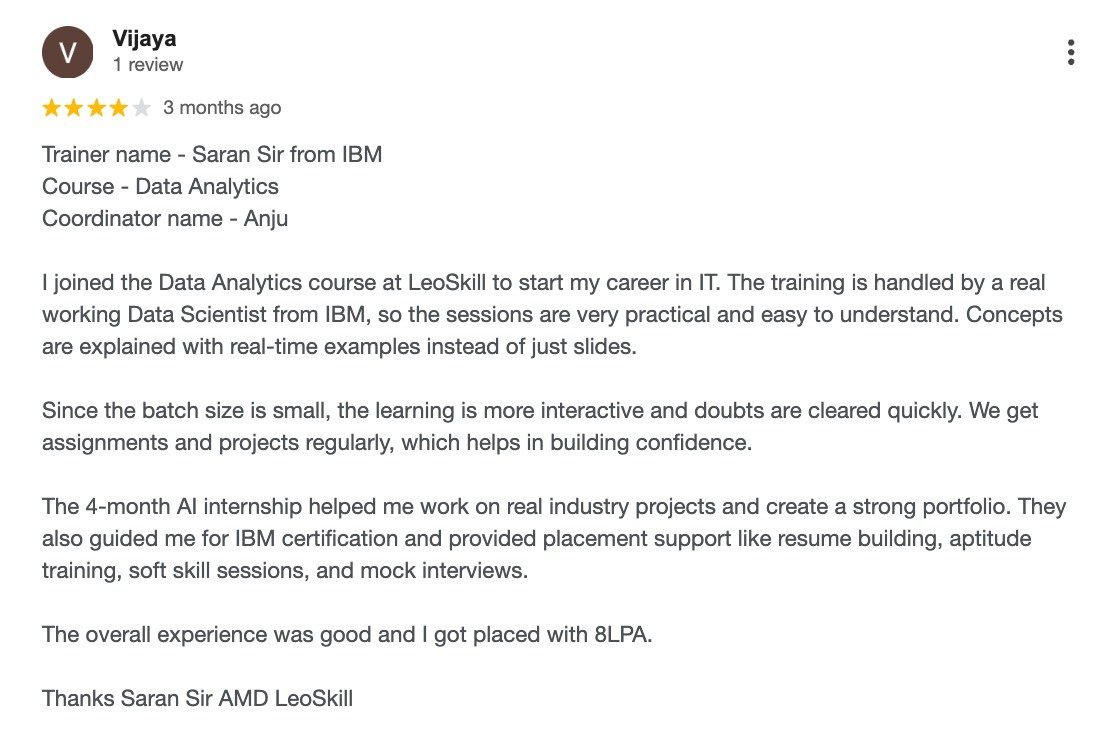
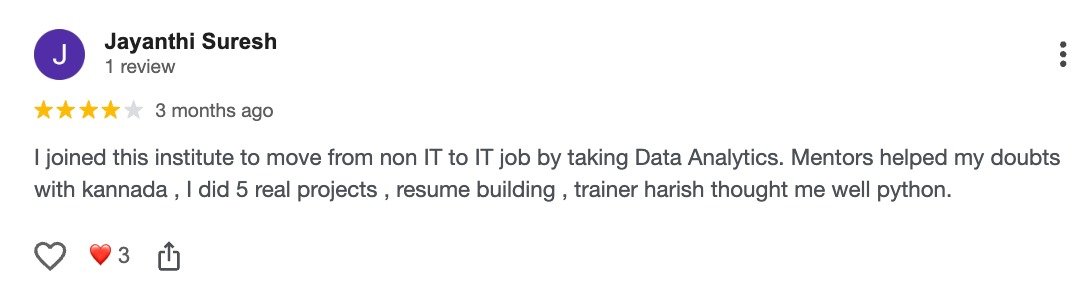
    Read Our Alumni Success Stories

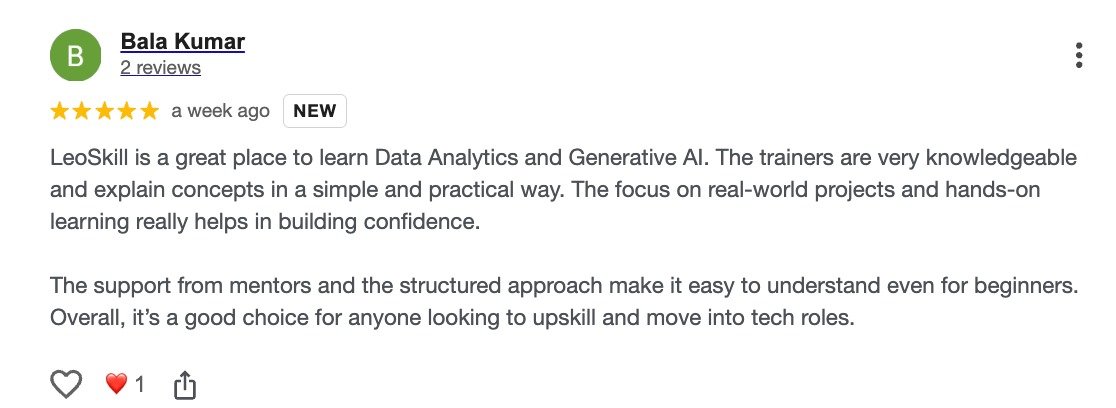
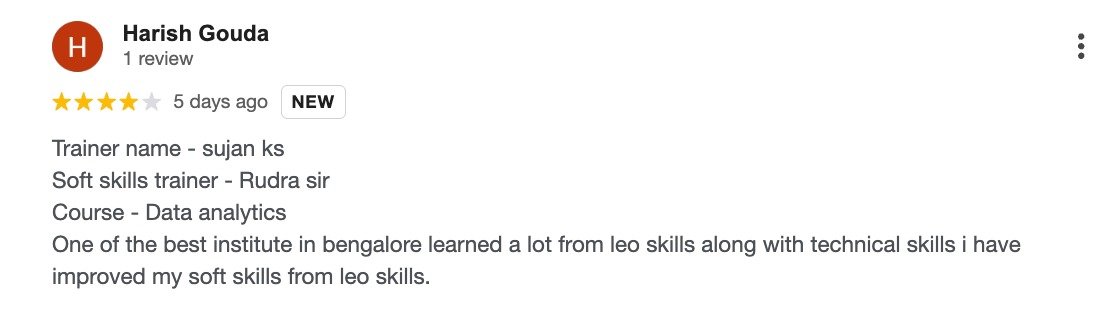
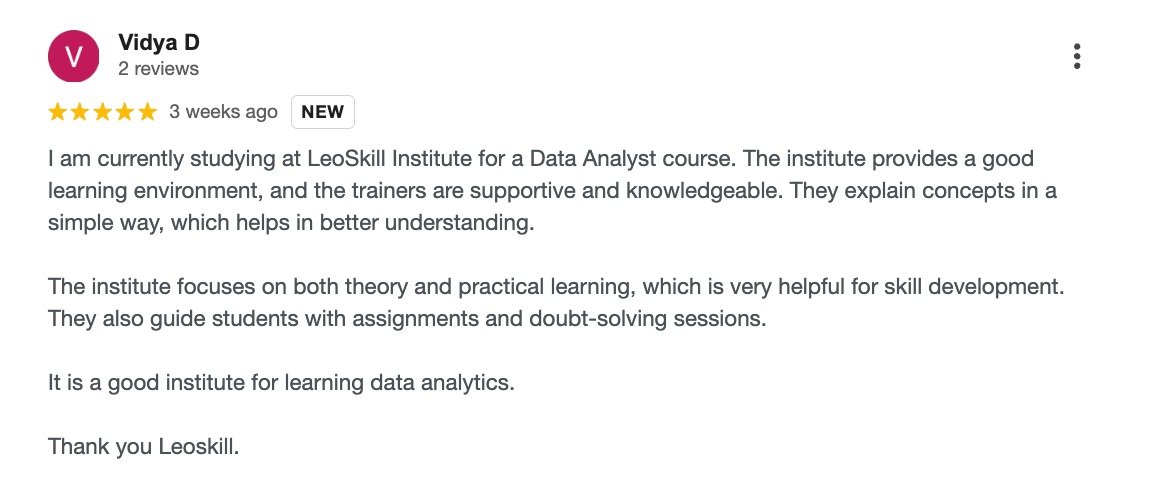
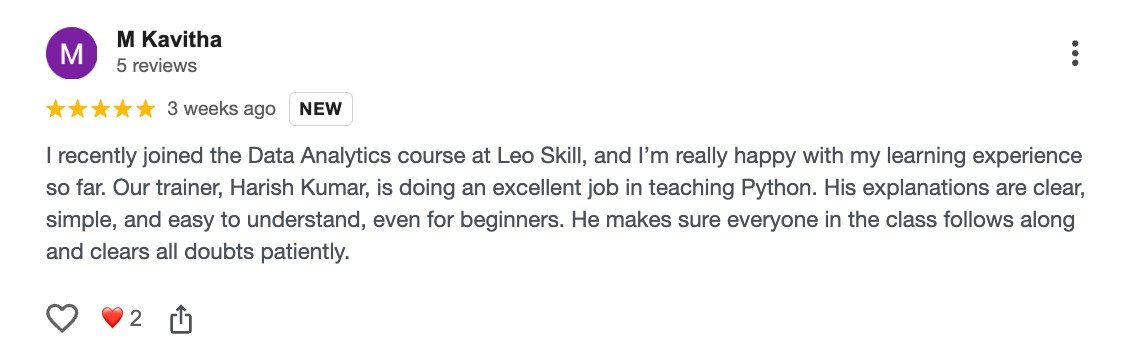
    See how LeoSkill learners built confidence, upgraded their skills, and moved closer to their dream careers.

    WHY LEOSKILL

    From learning to earning

    Everything you need to learn, build confidence, and become career-ready in Data Analytics & AI.

    Mentored by the industry’s top 1%

    Learn exclusive insights from expert mentors that help you grow beyond classroom learning.

    ★★★★★
    Industry mentor illustration

    Learn in live classes

    Solve real-life problems and learn directly from experts through interactive live sessions.

    LIVE
    Live class illustration

    Level up your resume

    Build a project-ready resume that stands out and helps you perform better in interviews.

    Resume building illustration

    Secure a job in a dream company

    Get placement support, interview preparation, and guidance to reach top recruiters.

    Dream company job illustration

    Hurry up! Grab your FREE Trial Class

    Register NOW!
    FREQUENTLY ASKED QUESTIONS

    Any Questions?

    Clear answers about the free trial class, registration process, tools, and learning experience.

    The free trial class provides an overview of key concepts in data analytics, including introductory topics, basic tools and techniques. The case study discussed will put you in the shoes of an expert data analyst. In the end, you will have developed a clear sense of your career trajectory in the data analytics industry.

    No, there are no prerequisites for attending the trial class. Beginners, students, graduates, and working professionals can attend.

    We recommend you install Zoom before joining the class. The remaining class details and joining instructions will be shared with you through your registered email address or WhatsApp.

    Absolutely! You can ask questions and interact with industry experts during the trial class to improve your understanding and learning experience.

    To register for the free trial class, simply fill out your details in the registration form given on the page. Further instructions will be shared after registration.